CATEGORY
PDF Tools
Free PDF tools: merge, split, compress, unlock, convert images to PDF, protect with password, rotate and sign — plus PDF to Markdown and Markdown to PDF conversion. All in your browser, no upload.
PDFs are where documents go to be final — signed, archived, submitted. These 19 tools cover the whole document lifecycle: merge and split, compress for email limits, protect with real encryption, unlock what you own, sign, rotate, watermark, number pages and repair damaged files — plus the Markdown bridge in both directions.
The differentiator is architecture: every operation runs locally in your browser. Contracts, medical records and financial statements never touch a server — read our compression guide to see realistic size-reduction numbers by document type.
↔
AFTERBEFORE01READY
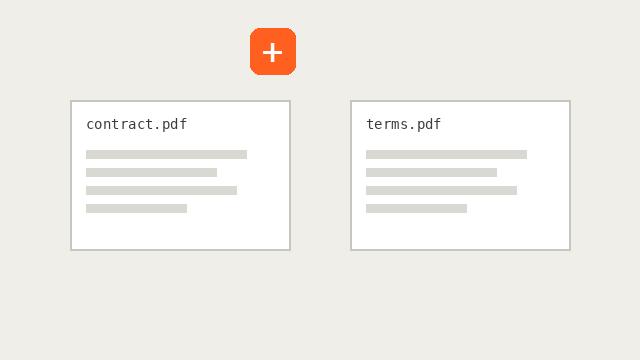
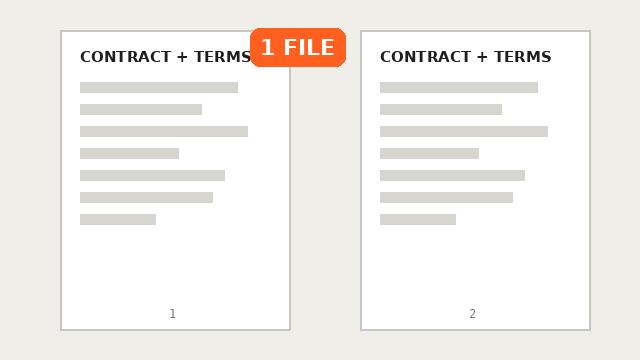
PDF Merge
Combine multiple PDF files into one, keeping the page order you choose. Free, private, in your browser.
↔
AFTERBEFORE02READY
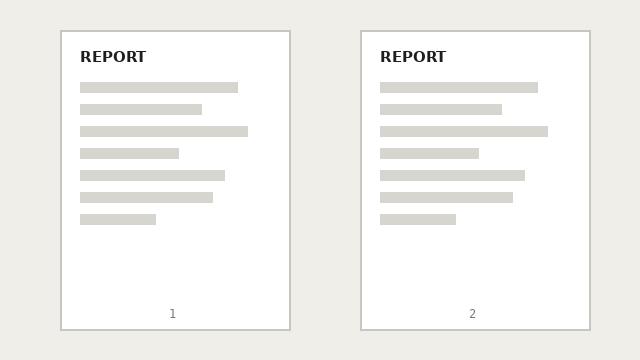
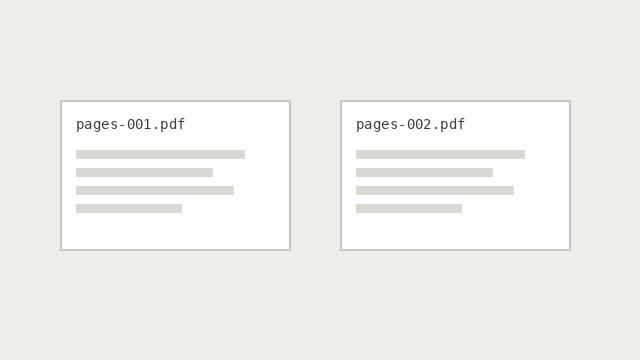
PDF Split / Extract Pages
Extract specific pages or ranges from a PDF, split into single pages or chunks of N — as PDF or ZIP.
↔
AFTERBEFORE03READY
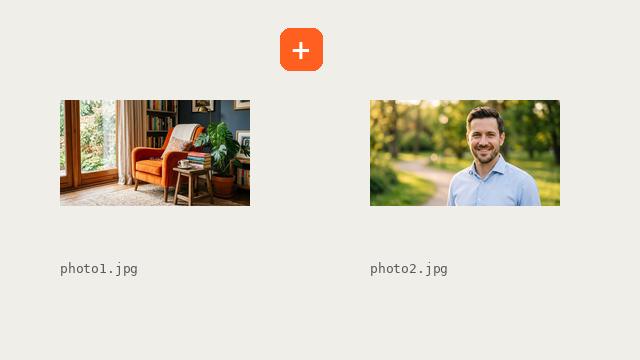
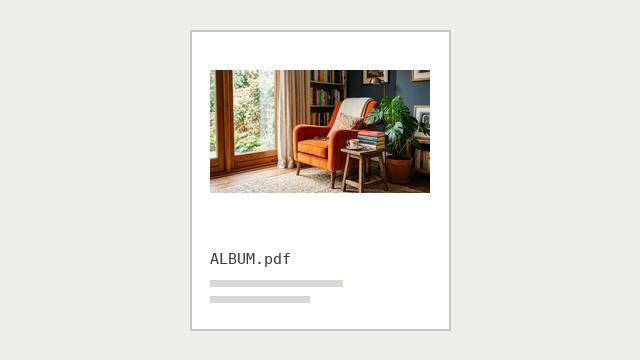
Images to PDF
Turn JPG, PNG and WebP images into a single PDF document — reorder, fit and download.
↔
AFTERBEFORE04READY
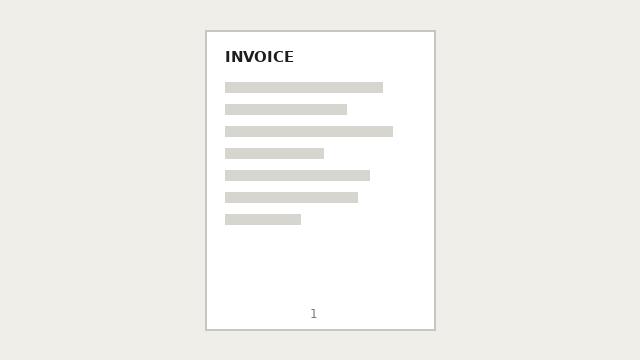
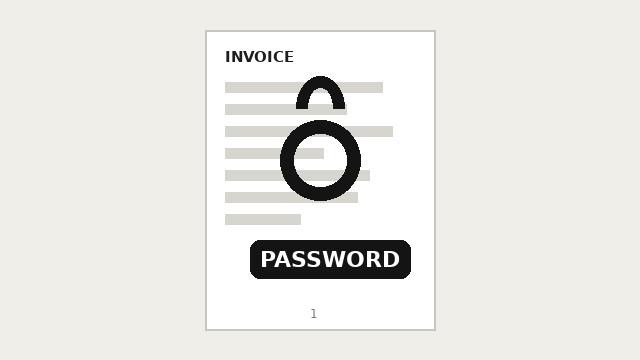
PDF Protect (Password)
Encrypt a PDF with a password (AES-256) and optionally restrict printing and copying.
↔
AFTERBEFORE05READY
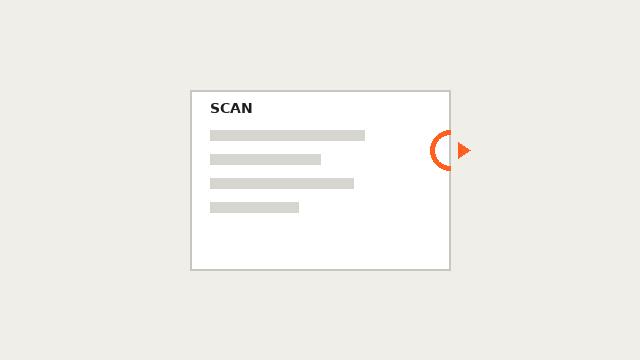
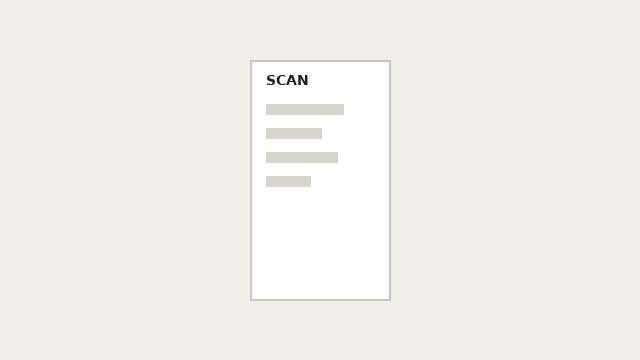
PDF Rotate
Rotate PDF pages 90, 180 or 270 degrees — all pages or only selected ones.
↔
AFTERBEFORE06READY
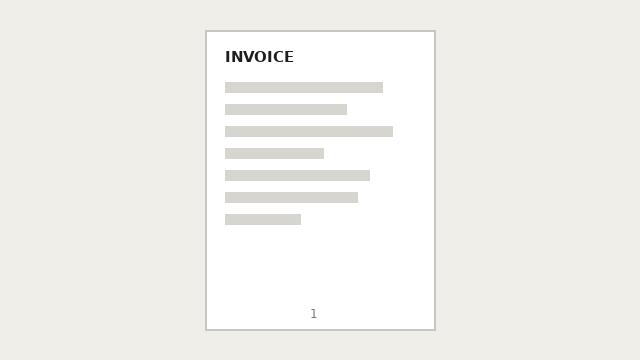
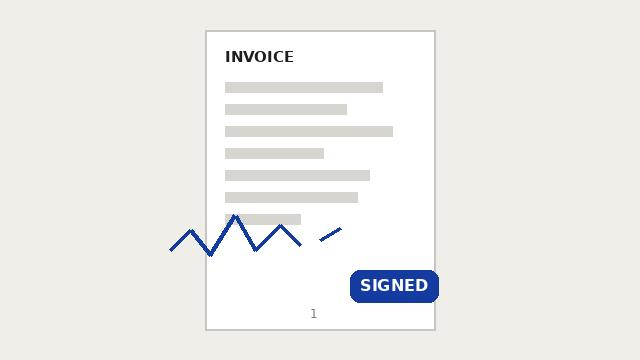
PDF Sign
Draw your signature with the mouse or finger and place it on any page of a PDF.
↔
AFTERBEFORE07READY
PDF Unlock
Remove the password from a PDF you own. Type the password once and download the unlocked file.
↔
AFTERBEFORE08READY
PDF Compress
Reduce the file size of a PDF by re-encoding pages as optimized images. Quality and resolution controls.
↔
AFTERBEFORE09READY
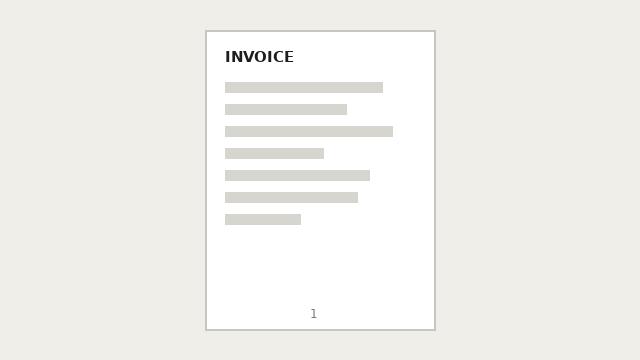
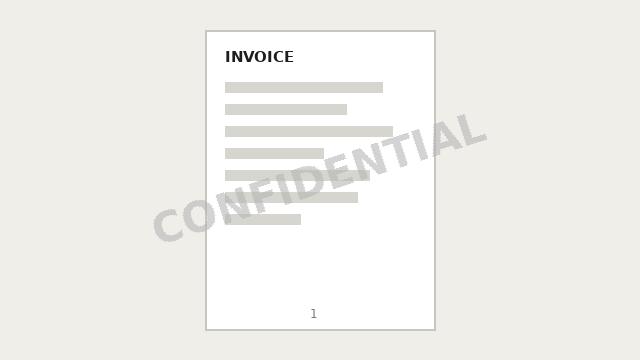
PDF Watermark
Add a text or image watermark to every page of a PDF, with position, rotation and opacity controls.
↔
AFTERBEFORE10READY
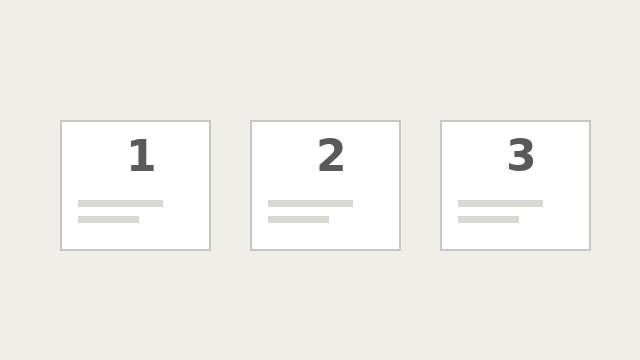
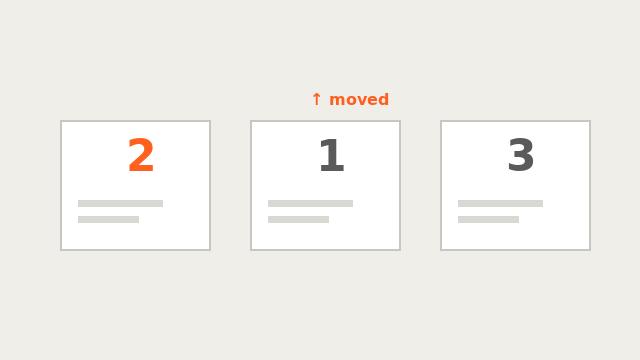
PDF Reorder / Remove Pages
Reorder pages with arrows and remove pages you don't need, then download the organized PDF.
↔
AFTERBEFORE11READY
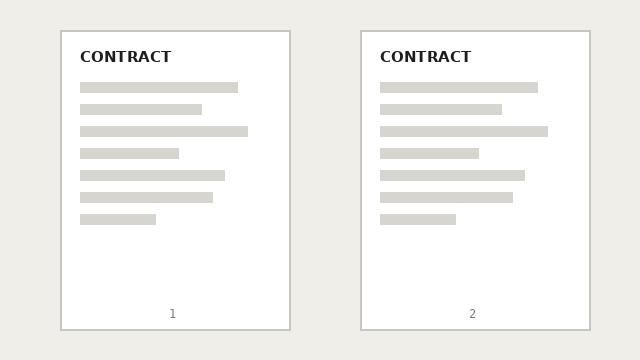
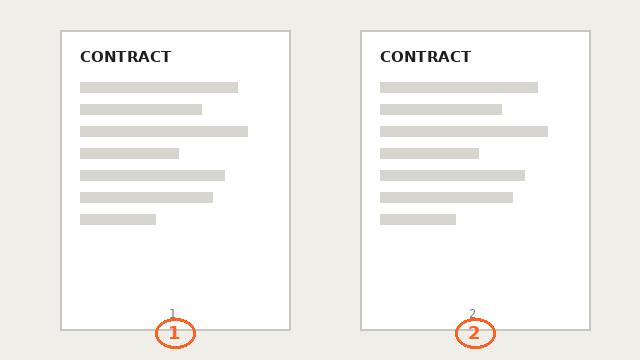
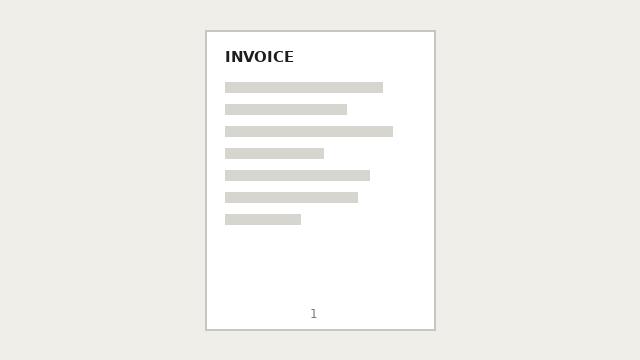
Add Page Numbers to PDF
Add page numbers to a PDF with position, starting number, size and prefix options.
↔
AFTERBEFORE12READY
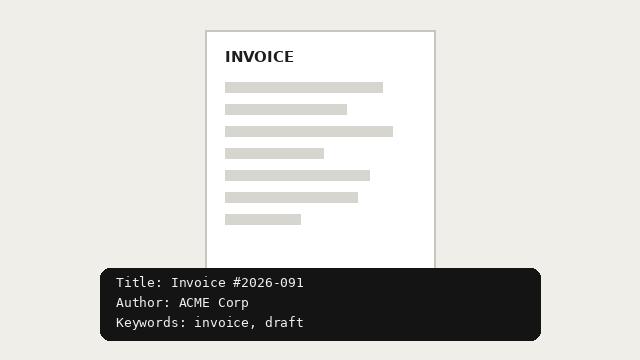
PDF Metadata Editor
View and edit PDF metadata: title, author, subject and keywords.
↔
AFTERBEFORE13READY
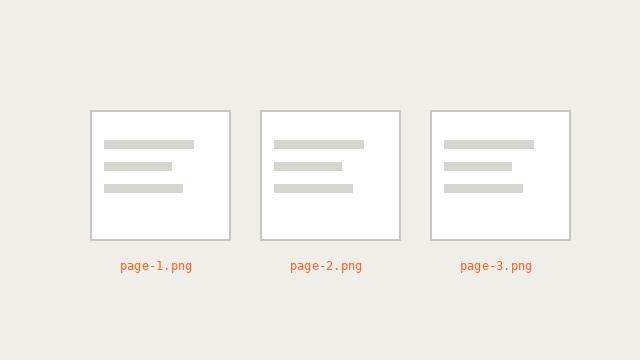
PDF to Images
Convert every page of a PDF to JPG or PNG images, downloaded as a ZIP.
↔
AFTERBEFORE14READY
PDF Repair
Try to recover and repair damaged or unreadable PDF files.

↔
AFTERBEFORE15READY
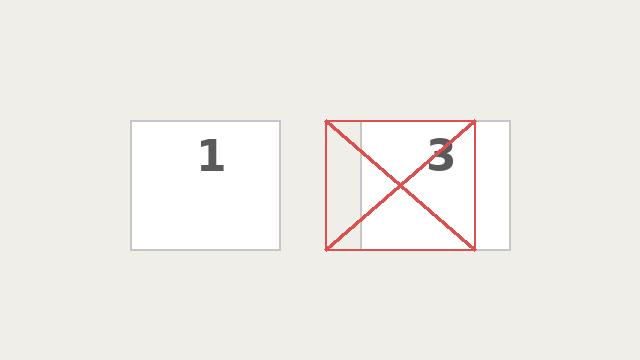
Remove Pages from PDF
Delete pages from a PDF online — select pages to remove or keep and download instantly. Private, free, no upload.
↔
AFTERBEFORE16READY
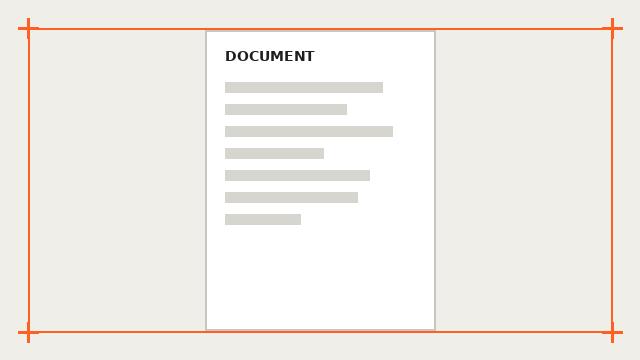
Crop PDF
Trim margins from PDF pages by percentage — cut white borders from scans and exports on every page at once.
↔
AFTERBEFORE17READY
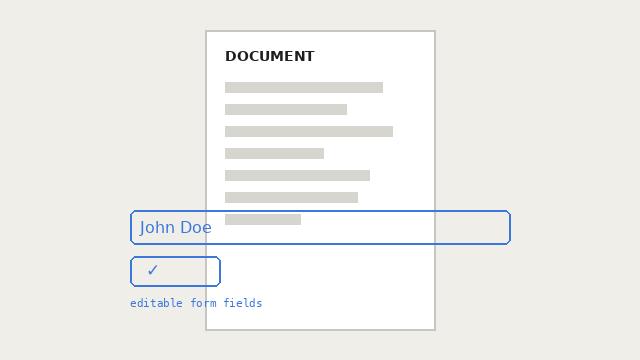
Flatten PDF
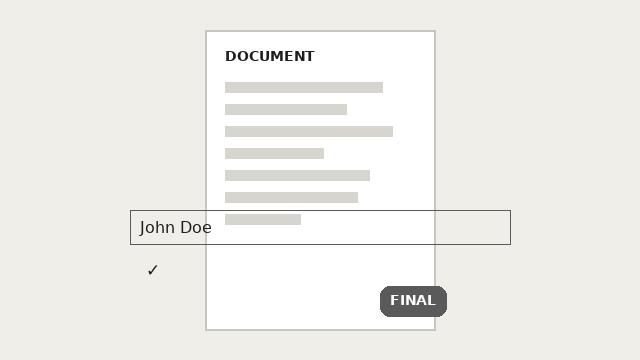
Turn interactive form fields into permanent page content — the final-document format portals and banks require.
↔
AFTERBEFORE18READY
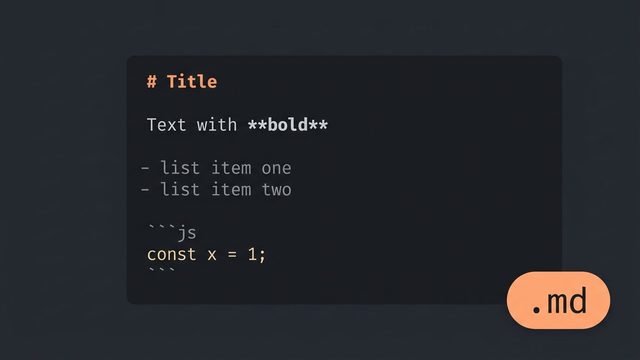
Markdown to PDF
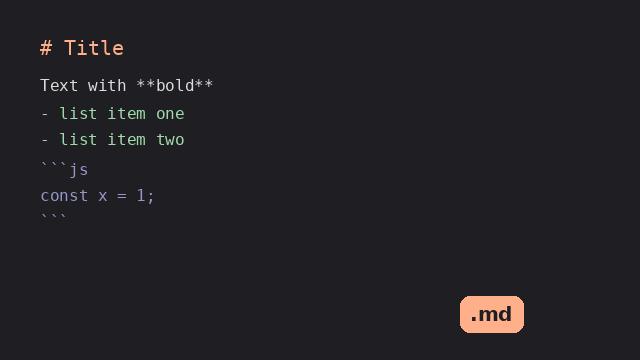
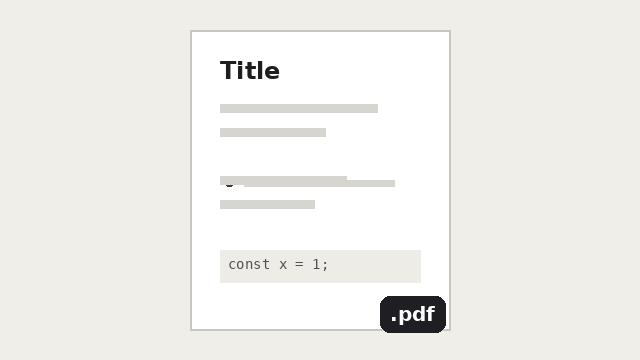
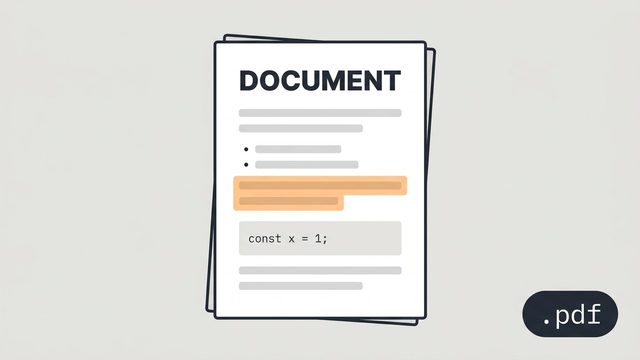
Convert Markdown to a clean, selectable-text PDF — headings, lists, bold, code and links on proper A4 pages.
↔
AFTERBEFORE19READY
PDF to Markdown
Convert PDF to Markdown with real headings, bullet and numbered lists, fenced code blocks and clean paragraphs. Private, free, no upload.