CATEGORY
Image Tools
Free image tools: compress and resize JPEG, PNG and WebP images, convert between formats and more — all in your browser.
Image work is mostly three jobs: smaller (compress), different shape (crop and resize), different format (convert) — plus the privacy job of seeing and stripping EXIF metadata before sharing. These tools do all four entirely in your browser, which for family photos and confidential documents is exactly the point.
Pair them with our guides — PNG vs WebP, HEIC explained, social media sizes — to know what to choose before how.

↔
AFTERBEFORE01READY
Image Compressor / Resizer
Reduce the file size of JPEG, PNG and WebP images with quality control and resize. Runs entirely in your browser.


↔
AFTERBEFORE02READY
JPG / PNG / WebP Converter
Convert images between JPG, PNG and WebP formats instantly in your browser.
↔
AFTERBEFORE03READY
Image to Base64
Convert any image to a Base64 data URI for embedding in HTML, CSS or JSON.
↔
AFTERBEFORE04READY
Favicon Generator
Create a favicon from text, an emoji or your own image, and download every size you need: 16, 32, 48, 180 and 512 px.
↔
AFTERBEFORE05READY
Image Cropper
Crop any image online with free, 1:1, 4:3, 16:9 and other preset ratios. Drag, zoom and download as PNG.

↔
AFTERBEFORE06READY
Image Resizer
Resize images to exact pixel dimensions online. Keep aspect ratio or set custom width and height — private, no upload.
↔
AFTERBEFORE07READY
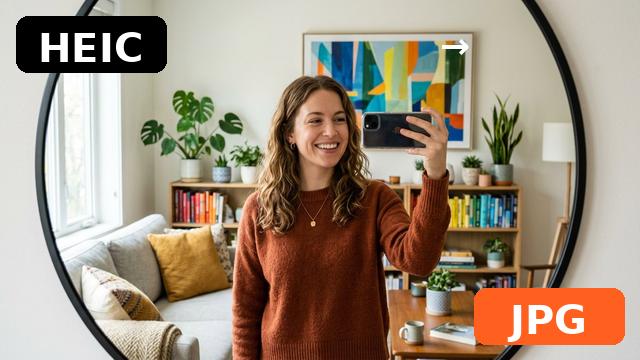
HEIC to JPG Converter
Convert HEIC and HEIF photos (iPhone default) to universal JPG online. Choose quality, download instantly — no upload.

↔
AFTERBEFORE08READY
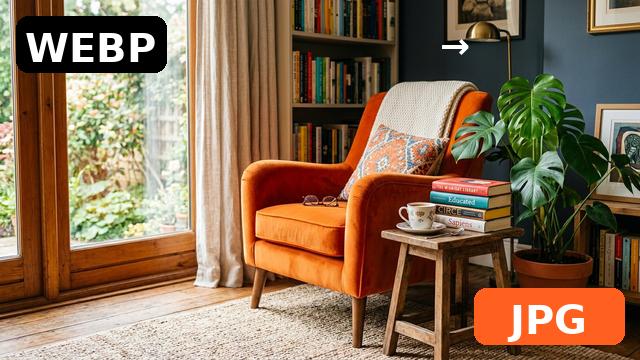
WebP to JPG Converter
Convert WebP images to JPG online — one file or a whole batch with ZIP download. Free, private, no watermark.

↔
AFTERBEFORE09READY
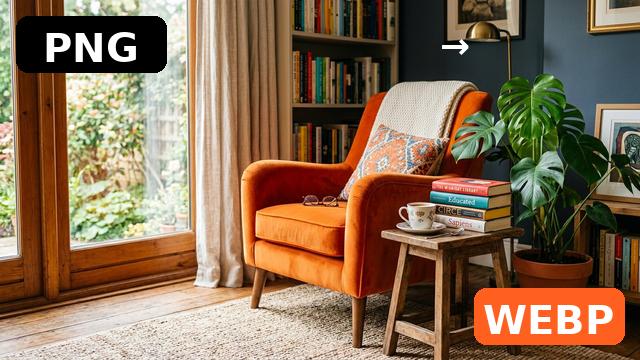
PNG to WebP Converter
Convert PNG images to WebP and cut file size by 25%+ with the quality you choose. Batch + ZIP download, fully private.
↔
AFTERBEFORE10READY
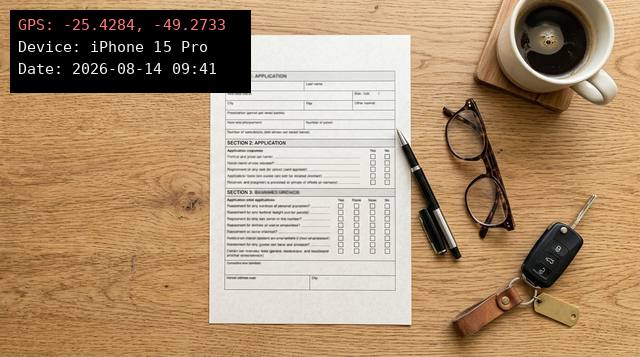
EXIF Viewer & Remover
See the EXIF metadata hidden in photos (camera, date, GPS) and download a clean copy with all metadata removed.
↔
AFTERBEFORE11READY
Rotate & Flip Image
Rotate images 90° or 180° and flip horizontally or vertically — fix sideways photos and mirrored selfies. Free, private, no upload.

↔
AFTERBEFORE12READY
Grayscale Image
Convert photos to black and white with adjustable intensity, plus a sepia mode. Classic luminance math, live preview.

↔
AFTERBEFORE13READY
Add Image Border
Frame photos with solid, double or polaroid-style borders — custom width and color, live preview.

↔
AFTERBEFORE14READY
Merge Images
Combine 2–6 images side by side or stacked — before/after comparisons, screenshots and step sequences in one file.

↔
AFTERBEFORE15READY
Watermark Image
Protect photos with text watermarks: diagonal, tiled or corner — opacity, size and color control.

↔
AFTERBEFORE16READY
Add Text to Image
Write text over photos — quotes, promos and labels — with position grid, outline and color control.


↔
AFTERBEFORE17READY
Meme Generator
Turn any image into a meme — classic top/bottom captions in the meme typeface, with auto text wrapping.
↔
AFTERBEFORE18READY
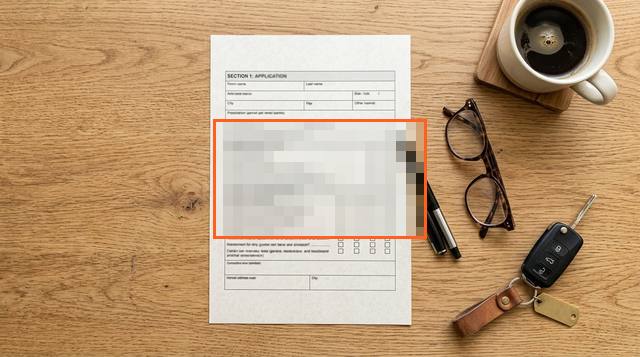
Blur / Pixelate Image
Hide faces, plates, IDs and messages before sharing — drag a rectangle and blur or pixelate exactly that region.

↔
AFTERBEFORE19READY
Profile Picture Maker
Create polished profile pictures: circle or square crops with zoom control, exported at 512×512.